Global shortcut
Bring up Refine anywhere with one keyboard shortcut.
 Refine
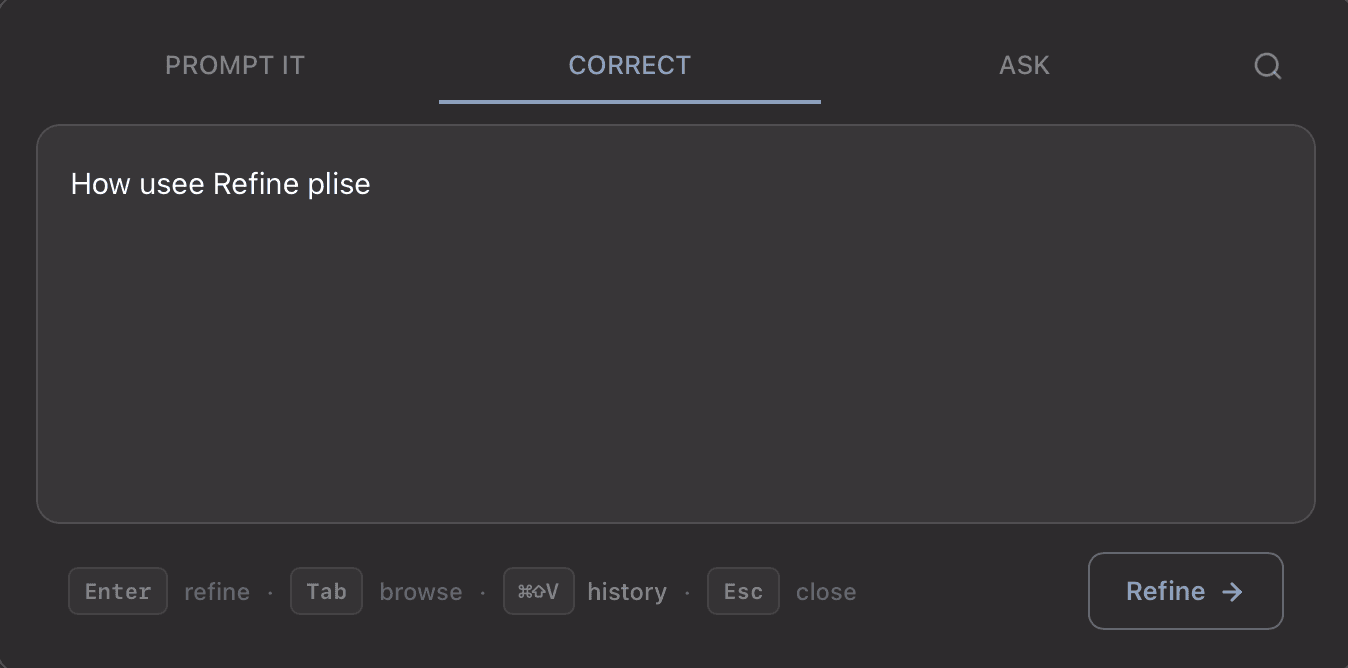
Highlight text in any app, press Cmd+Shift+R, then rewrite, fix, translate, or transform it with your own modes.
Features
Refine stays fast because it focuses on a small set of useful capabilities instead of a bloated workspace.
Bring up Refine anywhere with one keyboard shortcut.
Save your own modes and run repeatable text pipelines fast.
Use on-device models or connect OpenAI, Anthropic, and Ollama.
MIT-licensed, free to use, inspect, modify, and contribute to.
Flow pipeline
Modes and flows
Create unlimited custom modes, then chain them into flows. Use one shortcut to process complex edits in sequence.
Privacy
Refine is local-first. Cloud providers are optional, and PostHog analytics are only enabled in the app or on the website if you accept consent.
Read privacy policyCompletely free and fully open source. Works on Intel and Apple Silicon Macs.
v0.1.2 · macOS 10.15+ · Intel & Apple Silicon